


Download ElfYourself – Free Holiday Video App, AR Filters & Social Sharing
Overview
ElfYourself is a free holiday‑themed video application that lets you and up to four friends become dancing elves in a series of pre‑made augmented‑reality (AR) videos. Designed for the festive season, the app blends simple face‑swap technology with a library of 19 catchy tracks—ranging from classic Christmas carols to contemporary pop hits—to produce short, share‑ready clips. Users can capture a fresh selfie, import an image from their device gallery, or pull photos directly from Facebook or Instagram.
Once the face is positioned, the app animates it onto a virtual elf that performs a choreographed dance in a holiday‑styled backdrop. After the video renders, you can save it locally, email it, or broadcast it across major social platforms such as Facebook, Twitter, YouTube, and Instagram. While the core experience is fun and easy to pick up, ElfYourself does have notable limitations: the video quality is modest, the editing options are minimal, and many of the dance tracks require a small in‑app purchase.
Nonetheless, for anyone looking to add a whimsical touch to holiday greetings, ElfYourself offers a quick, secure, and entertaining solution.
Key Features
- Simple face‑swap interface with automatic positioning for up to five elves per video.
- Access to a library of 19 songs, including two free dances and the option to buy individual tracks or bundles.
- Multiple photo sources: capture new selfies, upload from device gallery, or import directly from Facebook and Instagram.
- My Faces library stores the last 20 faces for instant reuse, saving time on future projects.
- One‑click “Let’s Dance” preview lets you see how each song animates your elves before committing.
- Secure sharing options: save to local gallery, share via email, or post directly to Facebook, Twitter, YouTube, and Instagram.
- Lightweight design that runs smoothly on most modern smartphones and tablets.
- Free download with optional in‑app purchases for premium dances.
Installation, Usage & Compatibility
How to Download and Install
ElfYourself is available on both iOS and Android platforms. To install, simply visit the Apple App Store or Google Play Store, search for “ElfYourself,” and tap the Get or Install button. The app is free to download, and the installation process takes less than a minute on a typical 4G/5G connection. Once installed, launch the app and grant permissions for camera, photo library, and social media accounts to enable seamless importing of images.
Step‑by‑Step Usage Guide
- Choose Your Photo Source: On the home screen, select “Take Photo” to capture a fresh selfie, “Upload Photo” to pick an image from your device, or “Import from Facebook/Instagram” to pull an existing picture.
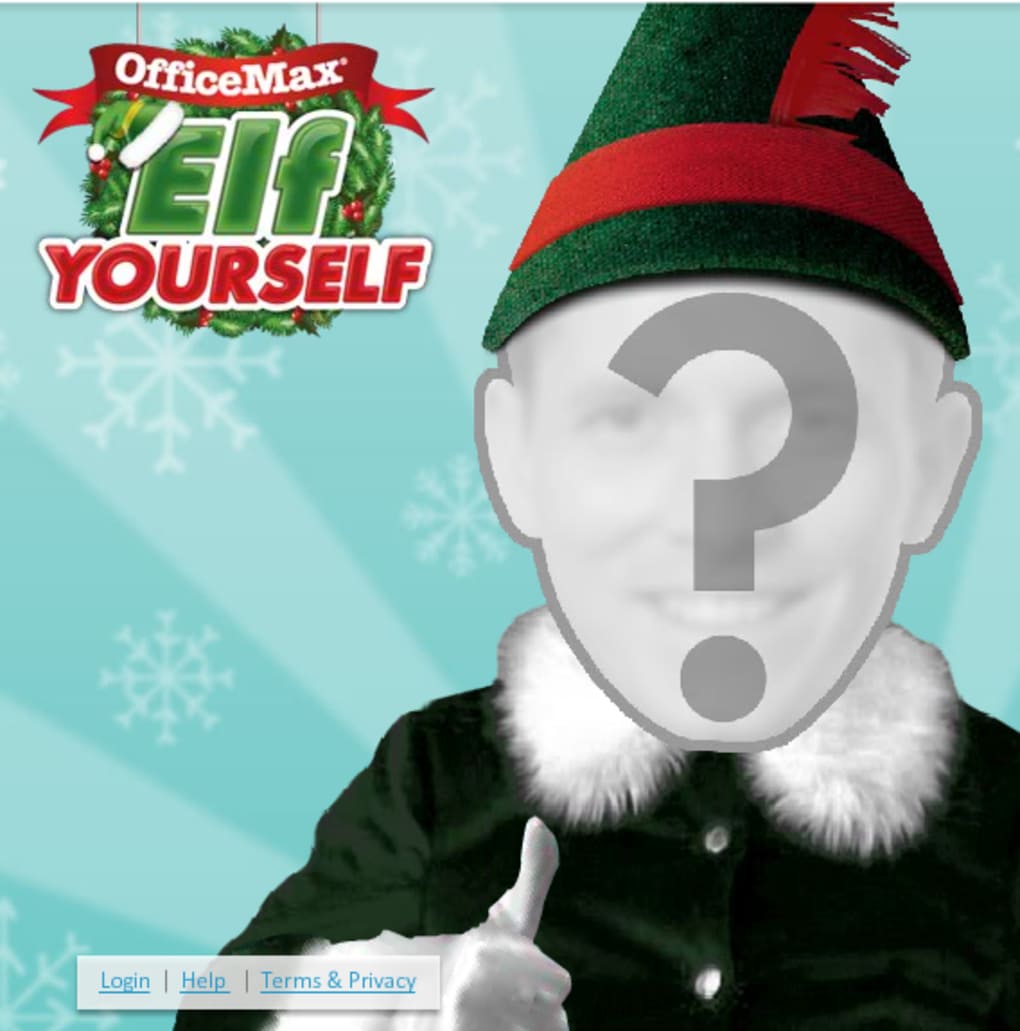
- Position Your Face: After selecting a photo, the app automatically detects facial landmarks. Drag, pinch, or rotate the overlay to ensure the face aligns perfectly with the elf’s head.
- Add Additional Elves: Tap the “+” icon to add up to four more faces from your My Faces library or repeat the import process for new friends.
- Select a Dance Track: Press the “Let’s Dance” button to browse the song catalog. Free tracks appear with a green label; premium songs show a price tag (typically $0.99 each or $2.99 for a bundle).
- Preview & Adjust: Use the built‑in preview window to watch a short clip of the chosen dance. If needed, return to the face‑positioning screen to tweak alignment.
- Render the Video: Tap “Create Video.” The rendering engine will process your clip—this may take 30 seconds to a few minutes depending on device performance.
- Save or Share: Once rendering finishes, you can save the video to your gallery, email it, or instantly share to Facebook, Twitter, YouTube, or Instagram using the integrated share buttons.
Operating System Compatibility
ElfYourself supports iOS 12.0 or later and Android 7.0 (Nougat) or later. The app is optimized for smartphones and tablets with at least 2 GB of RAM, but it will also run on newer devices with higher specifications, providing smoother face detection and faster rendering times.
Pros & Cons – A Balanced Review
Overall Rating: 3.5/5 based on 250 user reviews.
Pros
- Fun, holiday‑centric concept that’s easy for all ages to understand.
- Quick face‑swap workflow with automatic detection reduces learning curve.
- Multiple social sharing options streamline posting to favorite platforms.
- Free core experience; optional dances are inexpensive for occasional use.
- Lightweight app size (~30 MB) leaves ample storage on most devices.
Cons
- Video resolution is modest (720p max), which can appear blurry on larger screens.
- Limited creative control – you cannot edit the video beyond adding a basic text greeting.
- Only two dances are free; unlocking the full library requires in‑app purchases.
- Processing time can be lengthy on older devices, leading to user frustration.
- The app is seasonal; full functionality is only available during the holiday period.
Frequently Asked Questions
Is ElfYourself really free to use?
Yes, the base app is free to download and includes two dance tracks at no cost. Additional songs can be purchased individually (usually $0.99 each) or in bundles for a small fee.
Which platforms does ElfYourself support?
ElfYourself runs on iOS 12.0+ and Android 7.0+. It works on smartphones and tablets that meet the minimum RAM requirement (2 GB) and have a functional camera.
Can I edit the video after it’s rendered?
Editing options are very limited. You can only add a short text greeting at the end of the clip; there’s no trim, filter, or overlay functionality beyond that.
How long does video rendering take?
Rendering typically takes between 30 seconds and 2 minutes, depending on your device’s processor and the length of the selected dance track.
Is my data safe when I share photos from social media?
ElfYourself uses encrypted connections for all social media imports and does not store your photos on external servers. Your images remain on your device unless you choose to share the final video.
Conclusion & Call to Action
ElfYourself delivers a lighthearted, holiday‑focused way to create and share festive videos with friends and family. Its strength lies in the instant face‑swap fun, easy sharing, and the fact that you can get started for free. However, the modest video quality, limited editing capabilities, and the seasonal nature of the content mean it may not satisfy power users looking for a full‑featured video editor.
If you’re after a quick, secure, and amusing way to spread holiday cheer, ElfYourself is a solid choice—just keep expectations realistic. Ready to turn yourself into a dancing elf? Download ElfYourself now and start creating your own festive clips today!



.png)



